鏡面床システム / Flex Mirror 【Warudo / Unity / VRChat対応】
- ダウンロード商品フルセット(Warudo/Unity/VRChat)¥ 1,380
- ダウンロード商品Warudo版¥ 780
- ダウンロード商品Unity版 + VRChat版¥ 980
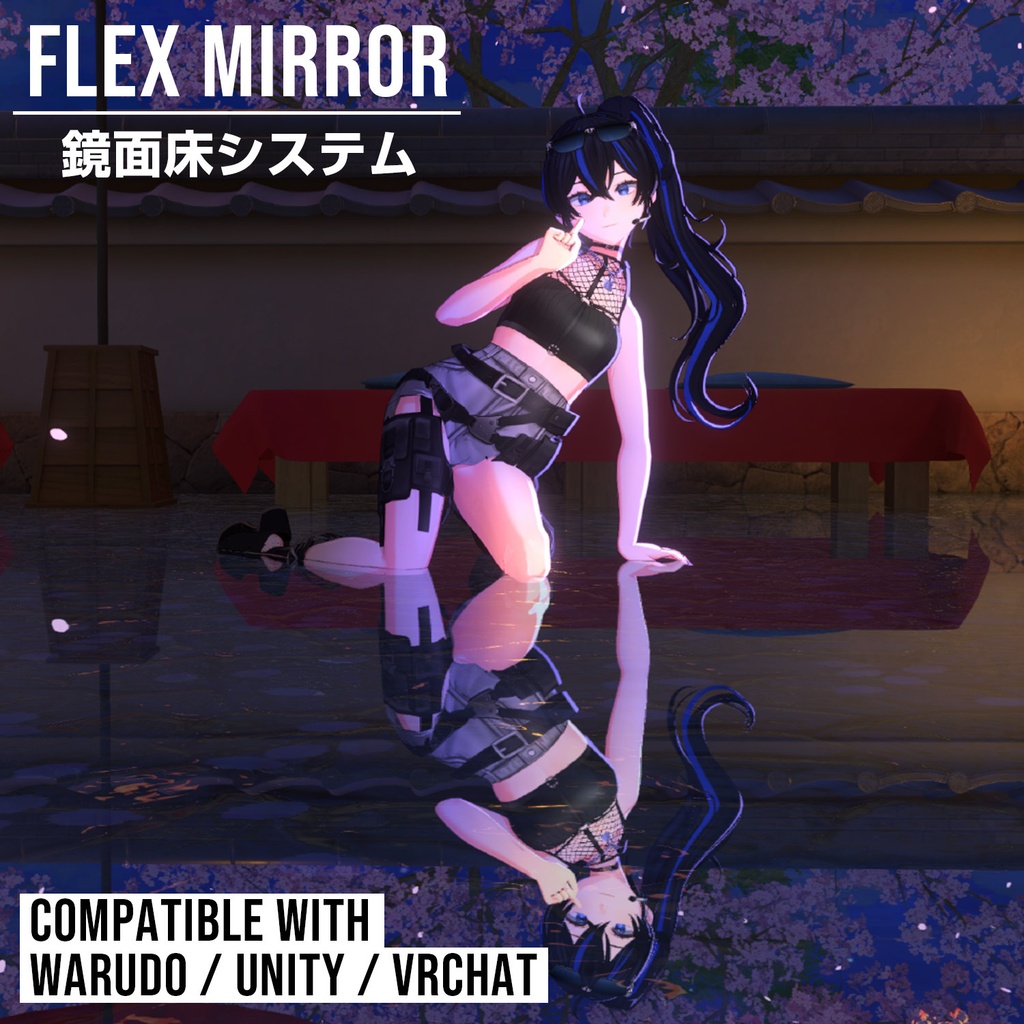
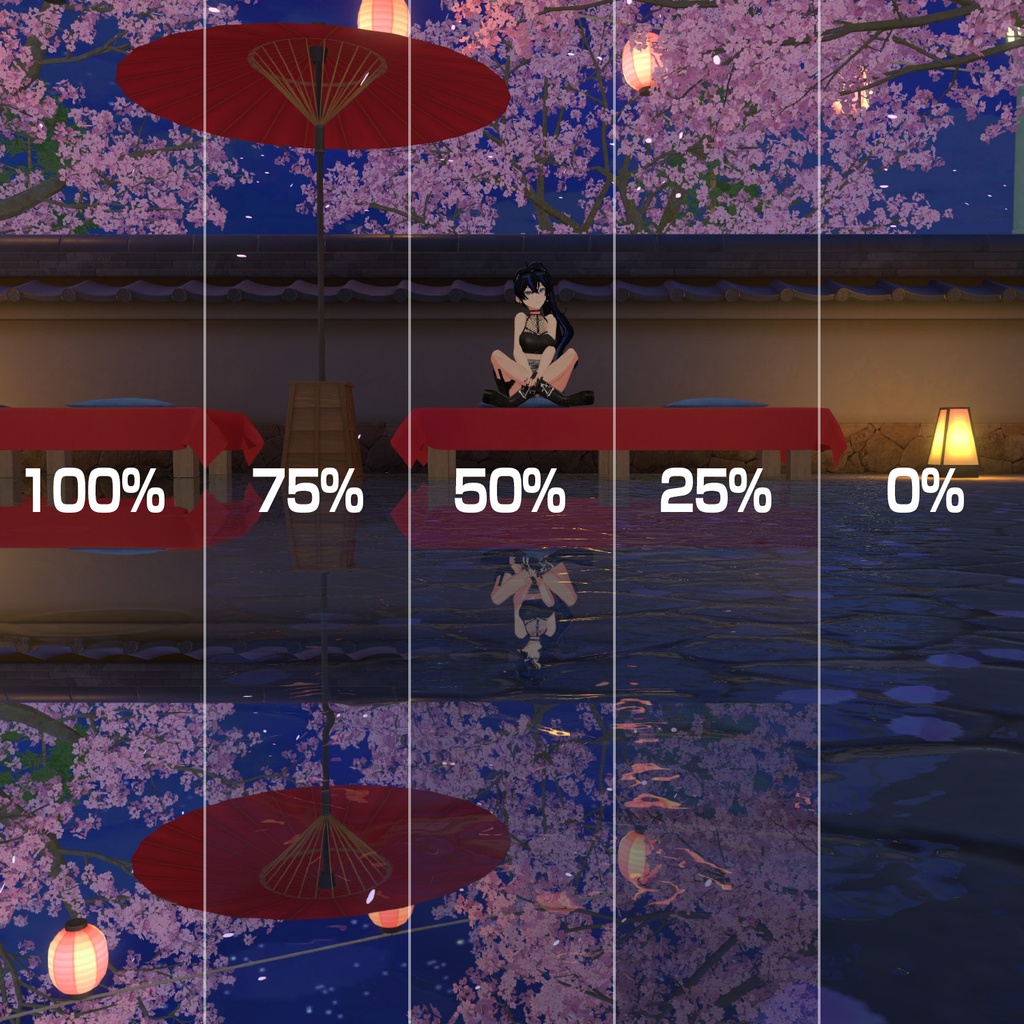
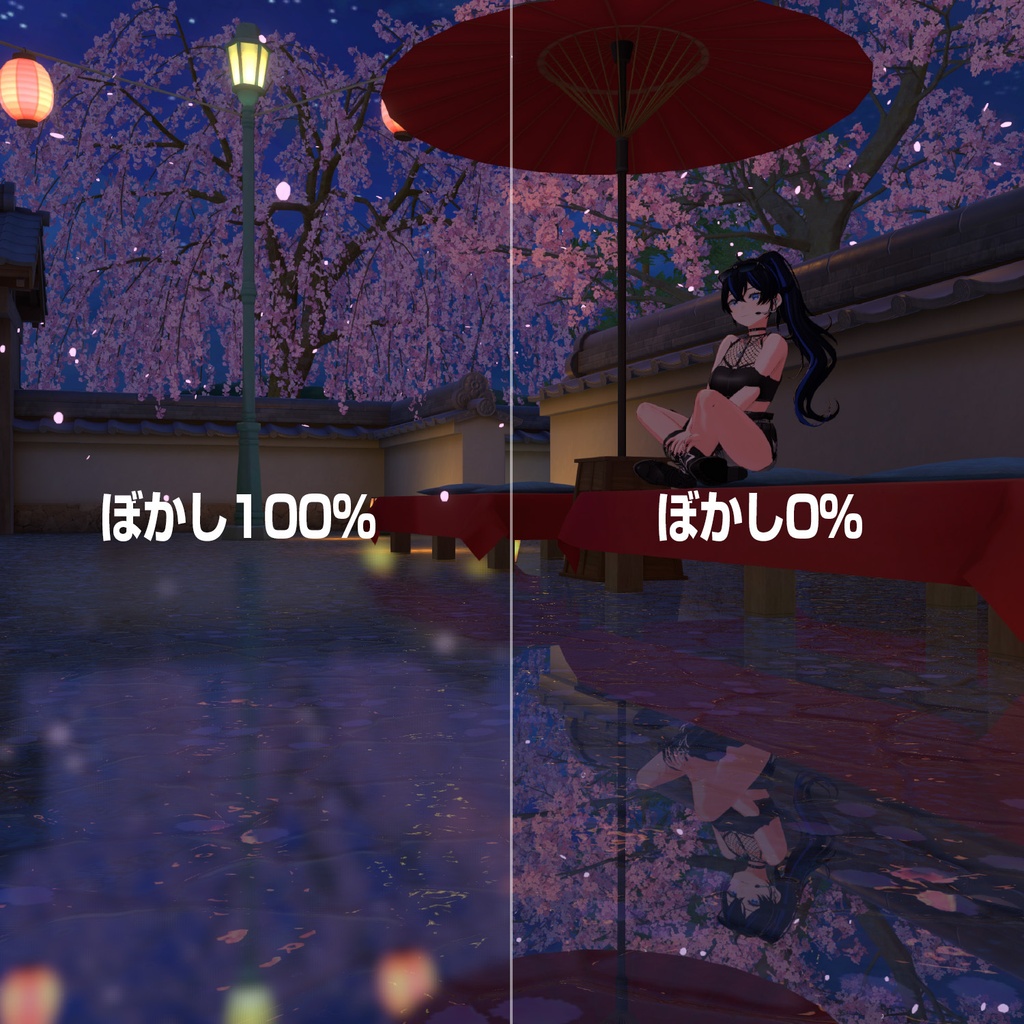
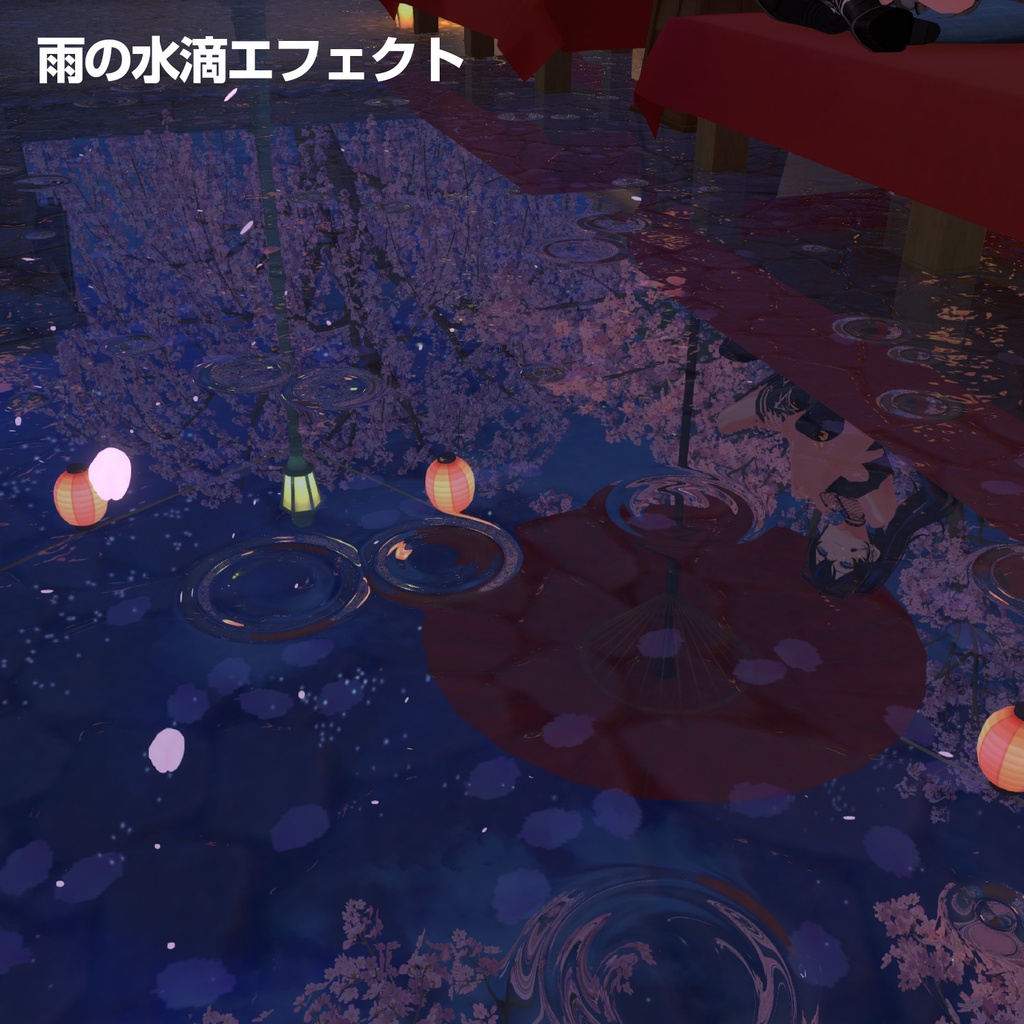
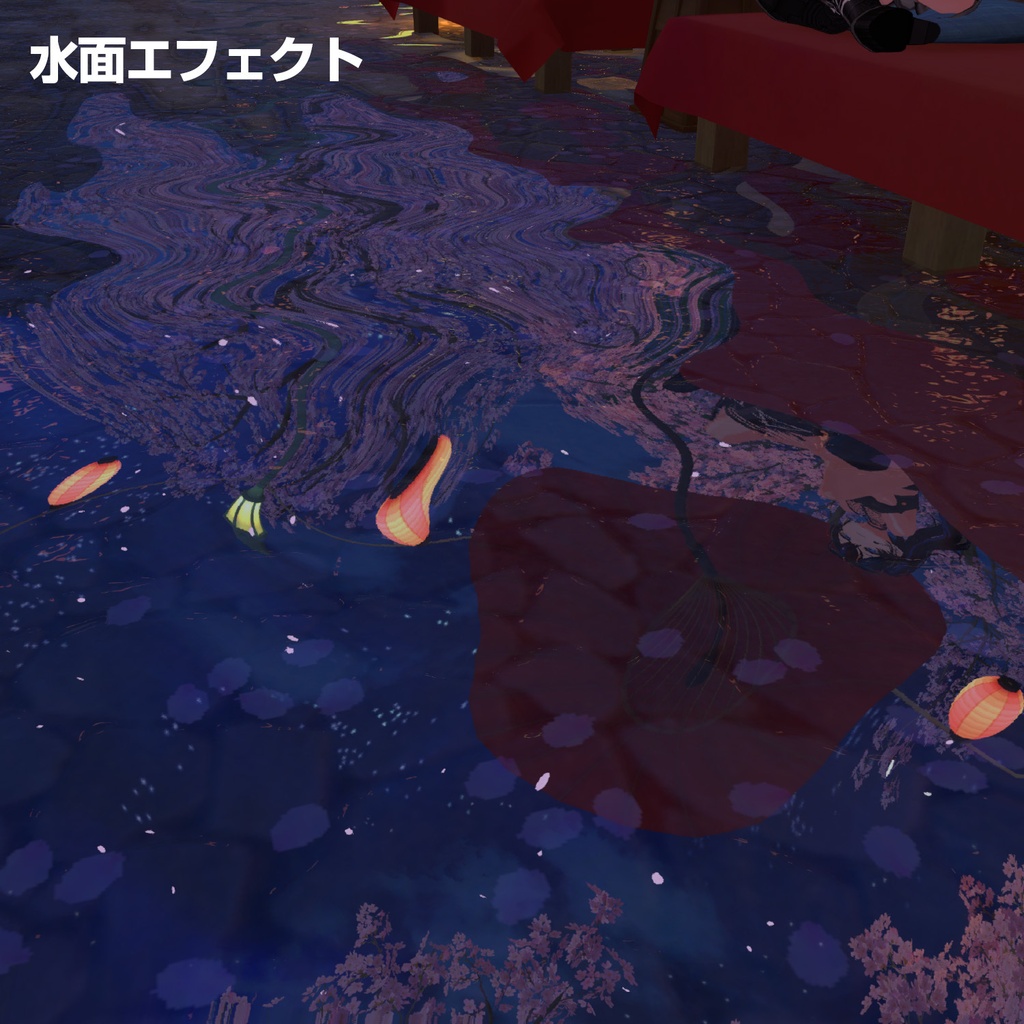
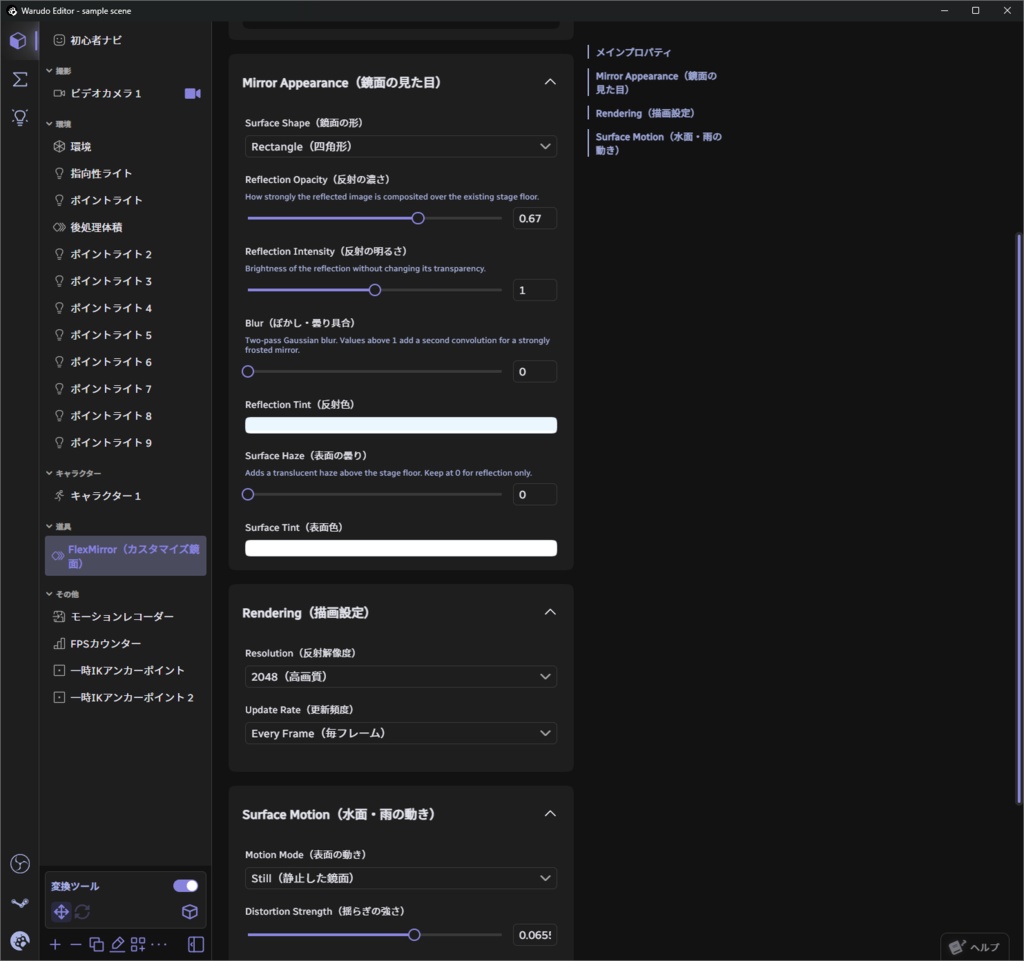
既存の床に重ねるだけで使える、リアルタイム鏡面床・水面反射システムです。 Warudoのエディター上で簡単にパラメーター調整を行うことが可能です。 ステージの床材を変更せず、透明な反射面を重ねて鏡面効果を追加できます。くっきりと映り込む鏡面床から、ぼかしの効いた濡れた地面、水面の揺らぎ、雨の波紋まで自由に調整できます。 A real-time mirror floor and water reflection system that can be placed directly over an existing floor. All parameters can be easily adjusted directly within the Warudo editor. FlexMirror adds reflections by overlaying a transparent reflective surface, so there is no need to modify or replace the original floor material. Create anything from crisp mirror-like reflections to blurred wet surfaces, animated water distortion, and random raindrop ripples. 主な機能 - 反射の透明度・強度調整 - ガウスブラーによるぼかし表現 - 四角形/円形の形状 - 水面の揺らぎ - ランダムな雨の波紋 - 水面と雨模様の濃さ・密度・大きさ・速度調整 - 反射解像度・更新頻度の設定 Main Features ・Adjustable reflection opacity and intensity ・Gaussian blur for soft and diffused reflections ・Rectangle / Circle surface shapes ・Animated water surface distortion ・Random raindrop ripple effects ・Adjustable intensity, density, size, and speed for water and rain effects ・Adjustable reflection resolution and update frequency 内容物(フルセットの場合)/ Included Files (Full Set) ・FlexMirror.warudo ・FlexMirror.unitypackage ・FlexMirror for VRChat.unitypackage
バージョンによる違い / Differences Between Versions
【Warudo】 Warudo上で各種パラメーターを変更できるPluginMod版です。Unityを開かずに、シーンに合わせて反射や水面表現を調整できます。 URP(Warudo Pro)にも対応しています。 A PluginMod version that allows you to adjust various parameters directly within Warudo. Reflection and water surface effects can be customized to match your scene without opening Unity. URP (Warudo Pro) is also supported. 【Unity】 一般的なUnityプロジェクトで使用できます。 ゲーム制作、ライブ制作などに。 VRChat向けにはVRChat版の「FlexMirror. for VRChat.unitypackage」をご使用ください。 Designed for use in standard Unity projects. Suitable for game development, virtual live production, and other Unity-based projects. For VRChat worlds, please use the dedicated FlexMirror for VRChat.unitypackage. 【VRChat】 VRChatワールドへの導入を想定して設定したPrefab版です。VRChatのミラー機能を利用しながら、FlexMirror独自の表面表現を追加できます。 A Prefab version configured specifically for use in VRChat worlds. It utilizes VRChat's mirror functionality while adding FlexMirror's original surface effects. ※各バージョンで動作不具合などあればご連絡ください。 ※各プラットフォームごとに項目名称やUIが異なる場合があります。 ※ If you encounter any issues with any version, please feel free to contact me. ※ Parameter names and UI elements may differ between platforms.
Warudoプラグインの導入方法 / Installing the Warudo Plugin
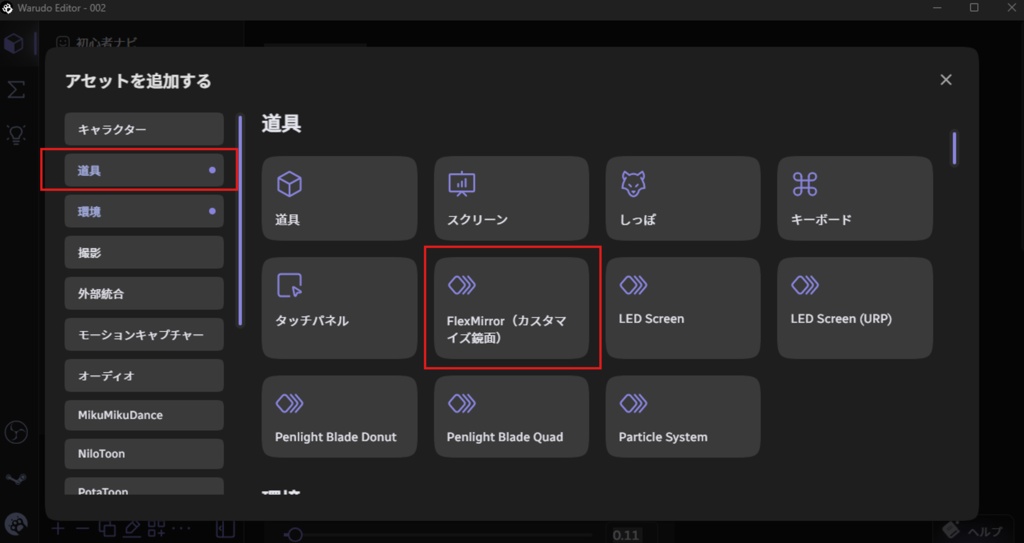
Warudoのプラグインフォルダにデータを移すことで使用できるようになります。 ①Warudoメニューからデータフォルダを開く ↓ ②Pluginsのフォルダに.warduoデータを入れる ※WarudoのインストールがデフォルトCドライブの場合はこちらです C:\SteamLibrary\steamapps\common\Warudo\Warudo_Data\StreamingAssets\Plugins ↓ ③Warudoを開いて、+アイコンを押してアセットを追加 道具カテゴリの中に ・FlexMirror(カスタマイズ鏡面) が追加されます。 ⚠️データを入れるフォルダの場所に注意‼️ ⭕️Warudo_Data\StreamingAssets\Plugins\ ❌️Warudo_Data\StreamingAssets\Plugins\Data ❌️Warudo_Data\Plugins ## Installing the Warudo Plugin FlexMirror can be installed by placing the plugin file in Warudo's Plugins folder. ### ① Open the Data Folder from the Warudo menu ↓ ### ② Place the `.warudo` file in the Plugins folder If Warudo is installed in the default location on the C: drive, the folder is typically located here: `C:\SteamLibrary\steamapps\common\Warudo\Warudo_Data\StreamingAssets\Plugins` ↓ ### ③ Launch Warudo and click the + icon to add an asset You will find the following asset under the **Prop** category: ・FlexMirror ### ⚠️ Make sure you place the file in the correct folder! ⭕️ **Correct** `Warudo_Data\StreamingAssets\Plugins\` ❌️ **Incorrect** `Warudo_Data\StreamingAssets\Plugins\Data` `Warudo_Data\Plugins`
動作確認環境 / Tested Environments
【Unity版】 Unity 2021.3.45f2 対応レンダーパイプライン: Built-in Render Pipeline Universal Render Pipeline(URP) 【VRChat版】 Unity 2022.3.22f1 VRChat デスクトップモード 【Warudo版】 Warudo Pro 1.5.1 上記以外のバージョンや環境で発生した不具合については、サポートいたしかねる場合があります。あらかじめご了承ください。 Please note that support may not be available for issues that occur in versions or environments other than those listed above.